
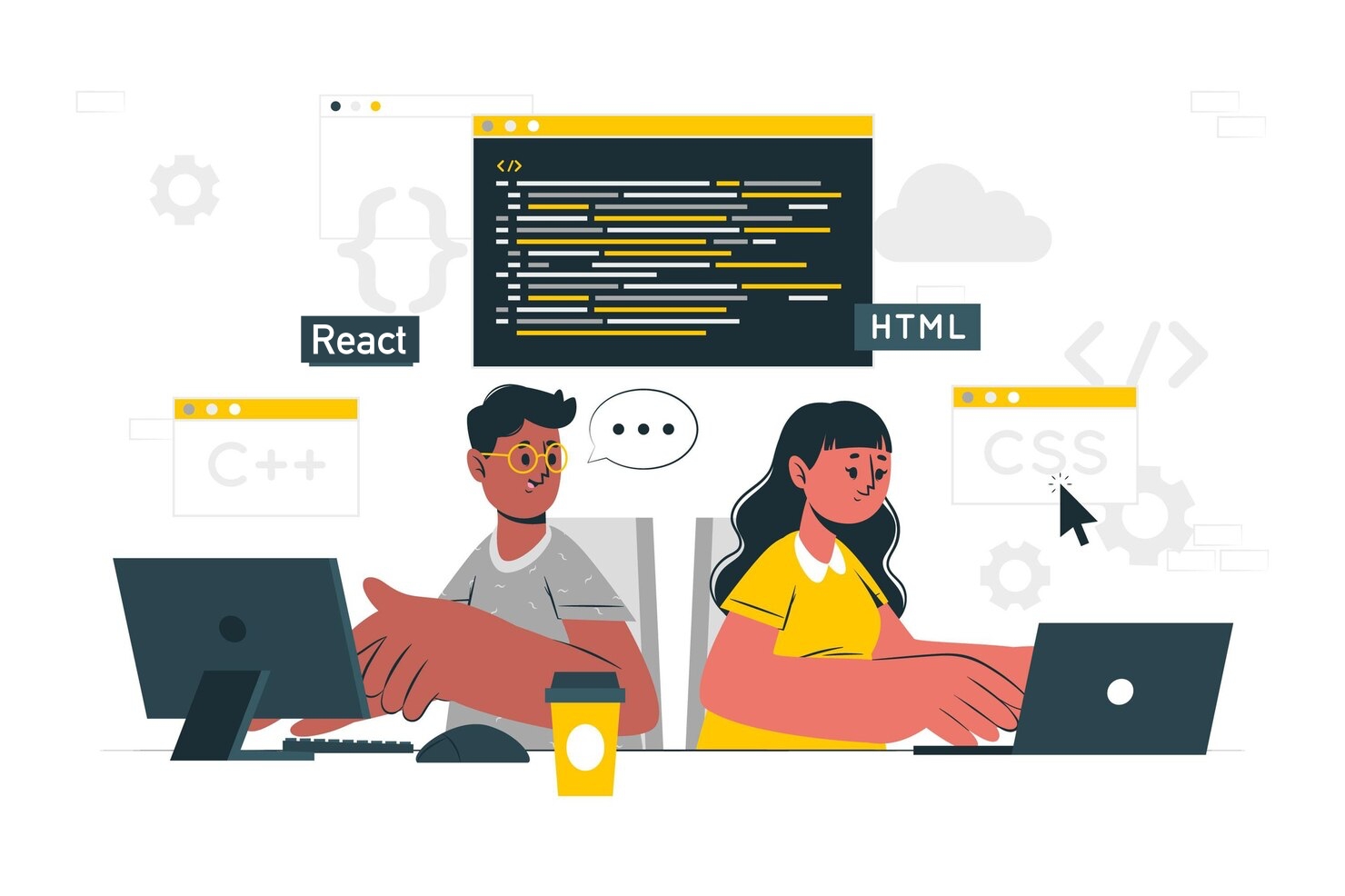
Frontend Website Development with React
Web Development - Frontend introduces you to the world of computer programming using core web technologies. Over two months, you will go from writing your first line of code to building modern, responsive websites that work beautifully across phones, tablets, and desktops. You will learn how to structure pages with HTML, style them with CSS, and bring them to life with JavaScript. The final module of the course provides you with a step-by-step learning journey for creating responsive webpages with React. By the end of the course, you will be able to design, build, and deploy frontend web projects on your own.
Last Cohort Discount
Offer ends in 23 days
Or pay in installments at checkout.
This course includes
Course Curriculum
7 modules · 89 lessons1Getting Started For Coding3 lessons
Setting up your computer for website development coding by choosing a Browser and installing Visual Studio Code.
Web Browser
Basic understanding of Browser's role in website development, and successful installation of Chrome or Edge browser.
What is an IDE
Basic understanding of IDE and successful installation of Vscode on student's computer.
Live Class
Optional live class for instructor to verify your computer is properly setup for programming
2HTML20 lessons
HTML, or HyperText Markup Language, is the standard language used to create and structure content on the web. It uses tags to define elements like headings, paragraphs, links, and images, telling the browser how to display each part of a webpage.
Introduction
Student should have basic understanding of HTML, the definition, and description of HTML documents.
Tags in HTML Head
Enhancing HTML with tags not visible in the webpage, e.g, meta tags, title, external resources e.t.c
HTML Elements
Understanding of the following HTML Elements: h1, h2, h3, h4, h5, h6, p, br, and hr
HTML Attributes
To understand the basic knowledge of HTML attributes. Examples includes the href attribute of <a>. The style attribute used to add styles to an element, such as font, size, font color, background color, font weight, and more. The src, width, and height attributes of <img> tag.
HTML Headings
What are HTML Headings and why are they important.
HTML Paragraphs
Understanding of HTML <p> tag and <pre> tag.
HTML Text Formatting
Using HTML tags like <b>, <strong>, <i>, <em>,<mark>, <small>, <del>, <ins>, <sub>, <sup> to define how a texts are displayed in the browser.
HTML Images
How to render images in HTML
HTML Lists
Creating ordered and unordered list in HTML
HTML Tables
Organizing data with html tables
HTML Styles
Understanding of basic css styling with HTML style attributes. E.g Text color, background color, font family, font size, and text-align.
HTML Buttons
Working with buttons in HTML
HTML Comments
How to document your HTML source code with comments.
HTML Project: WWW
Create a replica of the first world wide web.
HTML Media
Rendering videos and audios in HTML
HTML Forms
HTML Forms Overview In this lesson, we will learn how to create HTML forms for collecting information from users.
HTML Accessibility Basics
In this lesson, we will learn the basics of making webpages accessible to different users.
HTML Classes and IDs
In this lesson, we will learn how to use the class and id attributes to identify HTML elements.
Useful HTML Extras
In this lesson, we will learn some small but useful HTML features that are commonly used when building real websites.
HTML Project
HTML Project: Personal Blog Website
3CSS19 lessons
CSS, or Cascading Style Sheets, is a language used to style and visually format web pages. It controls how HTML elements appear—like colors, fonts, spacing, and layout—making websites look attractive and user-friendly.
What is CSS?
Understand what CSS is and it's role in website design
CSS Syntax
Undestanding CSS rules
CSS with HTML
How to use CSS with HTML; inline CSS, internal CSS, and external CSS
CSS Selectors
Learn how to select HTML elements using different types of CSS selectors.
CSS Box Model
Understand the CSS box model, including margins, borders, padding, and content.
CSS Fonts and Text Styling
Learn how to apply different fonts and text styles using CSS.
CSS Colors and Backgrounds
Explore how to use colors and background images in CSS.
CSS Icons
Working with icon fonts in CSS
CSS Lists
Styling lists with CSS
CSS Tables
Styling HTML tables with CSS
CSS Display Property
Controlling layout with CSS display property
CSS Positioning
Controlling the placement of elements within a web page
CSS Gradients
Using multiple colors within an element
Styling Images
Image styling with CSS
CSS Layout Techniques
Understand basic layout techniques, including Flexbox and Grid.
CSS Responsive Design
Learn how to create responsive designs using media queries.
CSS Transitions and Animations
Explore how to add transitions and animations to elements using CSS.
CSS Best Practices
Understand best practices for writing clean and maintainable CSS.
CSS Project
To be able to build with html and css
4Introduction to JavaScript18 lessons
JavaScript is a powerful programming language used to make websites interactive and dynamic. It runs directly in your browser and allows features like animations, form validation, and real-time updates without reloading the page.
Javascript Introduction
Understanding the role of Javascript in website developement. Environment setup
Javascript Usage
The importance of Jvascript and it's use case in website development.
Variables and Datatypes
Understanding variables. Identify and differentiate between various data types in JavaScript such as strings, numbers, and booleans.
Javascript Operators
Understanding Javascript operators such as arithemetic operaors, assignment operators, and comparison operators
Control Structures: If Statements
Learn how to use if statements to control the flow of a program based on conditions.
Loops in JavaScript
Understand how to implement loops (for, while) to execute code multiple times.
Functions: Declaring and Calling
Understand how to create and invoke functions to organize code and promote reusability.
JavaScript Math Object
Using Javascript inbuilt Math to perform mathematical tasks.
JavaScript Strings
In this lesson, we will learn how to work with strings in JavaScript.
Working with Arrays
Learn how to create, access, and manipulate arrays to store and manage collections of data.
Debugging JavaScript Code
Learn techniques for debugging JavaScript code effectively to identify and fix errors.
Introduction to Objects
Understand the basics of objects and how to create and access object properties.
DOM Manipulation Basics
Understand how to interact with and manipulate HTML elements using JavaScript.
Event Handling in JavaScript
Learn how to respond to user interactions through event listeners and event handling.
Javascript Datetime
Working with date and time in javascript.
Project: Off-canvas menu
Create a hidden navigation menu that can be toggled with button.
Project: Countdown Timer
Build a javascript countdown timer with an input field to enter the countdown duration in minutes.
JavaScript Project: Mini Shop
Project
5React18 lessons
React for beginers
What React Is and Why Developers Use It
Identify how React helps build user interfaces with reusable parts.
Setting Up a React Project with Vite
Create and run a basic React app in the browser.
Understanding Components and JSX
Build simple UI elements using components and JSX.
Working with Props to Pass Data
Pass information from one component to another using props.
Rendering Lists from Data
Display multiple items by looping through an array in React.
Handling User Events in React
Respond to clicks and input changes with event handlers.
Using State to Store Changing Values
Update the UI by saving and changing data with state.
Project: Build a Simple Interactive Todo App
Create a small todo app that adds, shows, and marks tasks as done.
Conditionally Showing Content
Show or hide parts of the interface based on app data.
Forms and Controlled Inputs
Build a form that stores input values in React state.
Using Effects for Browser-Side Tasks
Run code when a component loads or data changes.
Sharing State Between Components
Move state up so multiple components can use the same data.
Debugging React with Browser DevTools
Inspect components and fix common React errors using DevTools.
Project: Build a Mini Product Dashboard
Create a dashboard that filters products, shows details, and updates the interface from shared state.
Fetching Data from a Public API
Load external data into a React app using fetch and effects.
Displaying Loading and Error States
Show the user what is happening while data loads or fails.
Routing Between Pages with React Router
Navigate between multiple screens in a React app.
Capstone: Build and Present a React Portfolio App
Create a complete React app that uses components, props, state, forms, effects, and API data.
6Deployment and Final Project8 lessons
Deploying your React project online
Installing and Checking Deployment Tools
Verify that Git, Node.js, and a code editor are ready for deployment work.
Understanding Build Files and Hosting
Identify the difference between source code, build files, and hosting.
Using Git to Track Deployment Changes
Commit and push a React project to a remote Git repository.
Setting Environment Variables for Production
Add and use production environment variables without exposing secret values in code.
Building the App for Production
Create a production build of a React project using the correct command.
Deploying on Netlify and Vercel
How to deploy your React project on popular hosting platforms
CAPSTONE: Deploy and Present a Polished React App
Deploy a complete React project, verify it on a live URL, and present the finished site.
Monitoring a Deployed Site with DevTools
Check the live app for loading, console, and network issues in the browser.
7Certification and what's next3 lessons
Certificate
Request for certificate
Setting up your portfolio
How to setup your portfolio as a frontend developer.
What's next?
Discussion on which area you could explore next in your tech journey.
Course Details
- Level
- Beginner
- Duration
- 12 Weeks
- Modules
- 7
- Lectures
- 89
- Language
- English
- Certificate
- Included
- Last Updated
- 14 Oct 2026
What You Get
- Expert-led lectures
- AI-powered learning assistant
- Live classes with instructors
- Hands-on projects & assignments
- Certificate of completion
- 3 months free Community membership